Check who’s watching your webinar, including the company they’re from, with the updated viewer details in the webinar studio.
👋 Your friends at Contrast

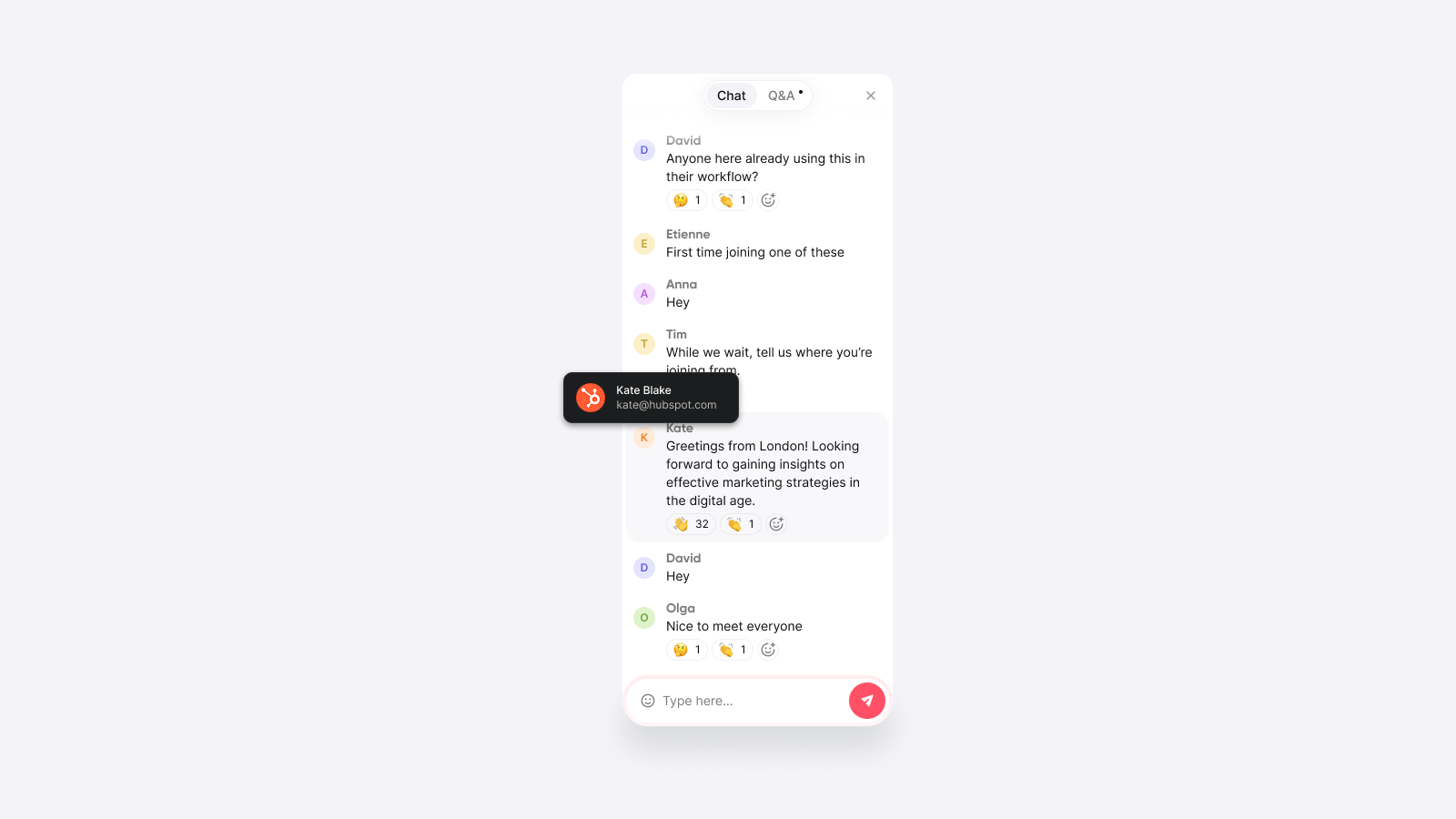
Check who’s watching your webinar, including the company they’re from, with the updated viewer details in the webinar studio.
👋 Your friends at Contrast
Contrast is now Okta-certified and available on the Okta Integration Network (OIN) Marketplace. It’s available as an add-on, on the enterprise plan.
Read more about the announcement. Or get in touch to activate Okta for your organization.
👋 Your friends at Contrast
Set up Contrast with Microsoft Entra ID for enhanced security.
Now available on Enterprise plans as an add-on. Book a meeting to learn more.
👋 Your friends at Contrast
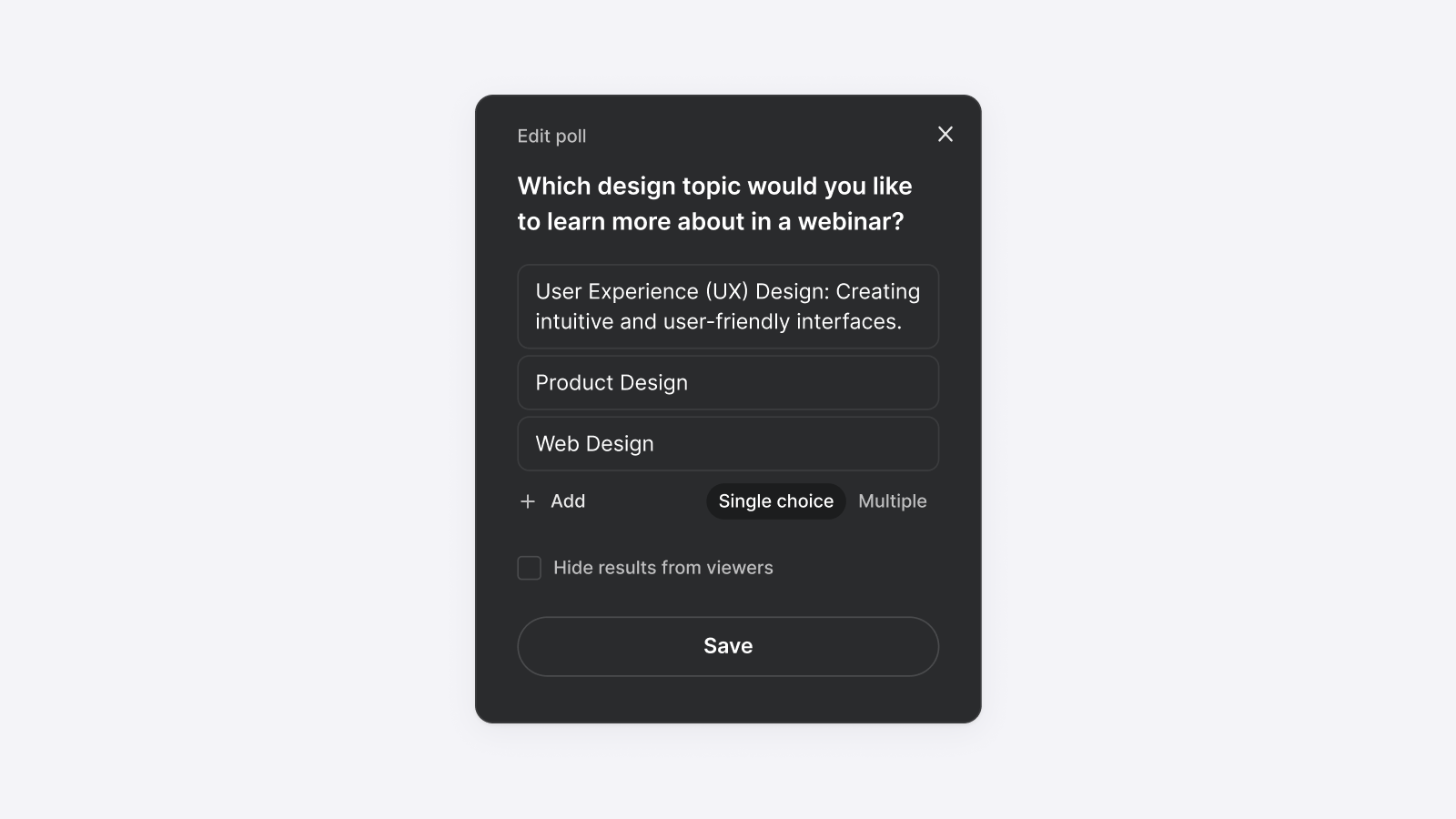
With multiple choice polls, you can now allow your audience to select more than one answer option.
👋 Your friends at Contrast
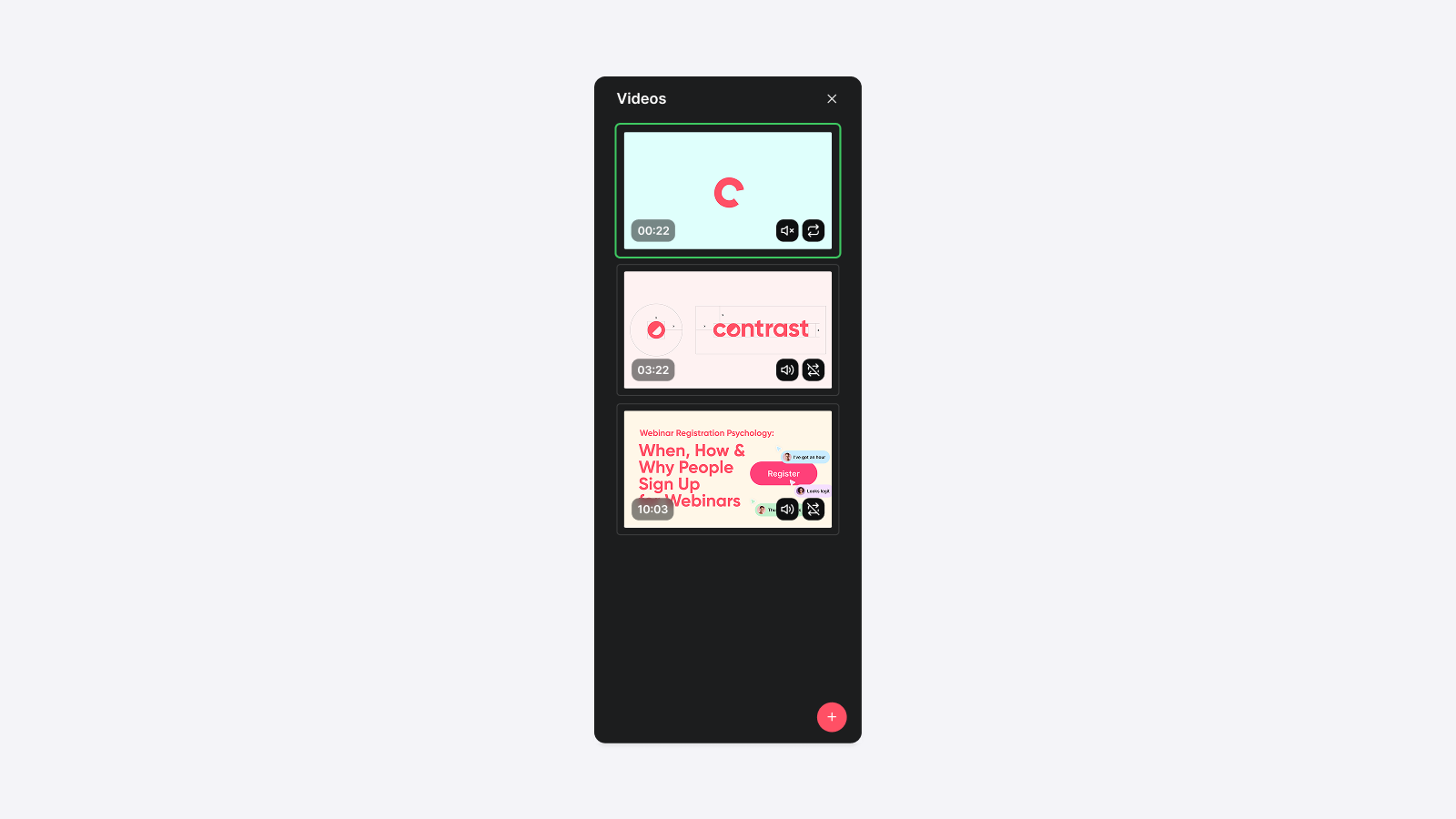
Product demos, a customer interview, or your most recent funding announcement. Whatever you captured on video, you can now play it live, during your webinars.
👋 Your friends at Contrast
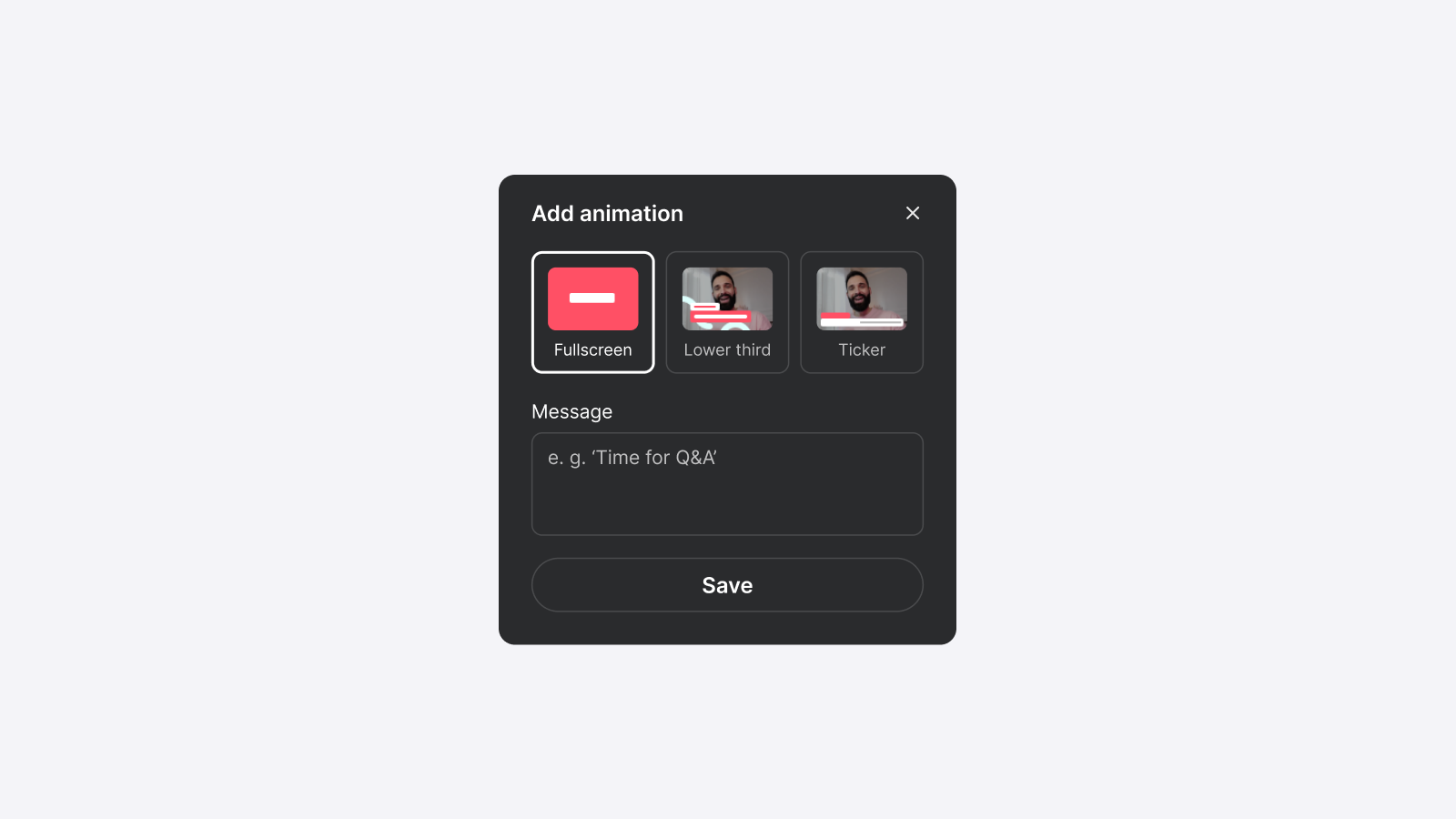
Topics and widgets, easily controlled from a single view.
👋 Your friends at Contrast
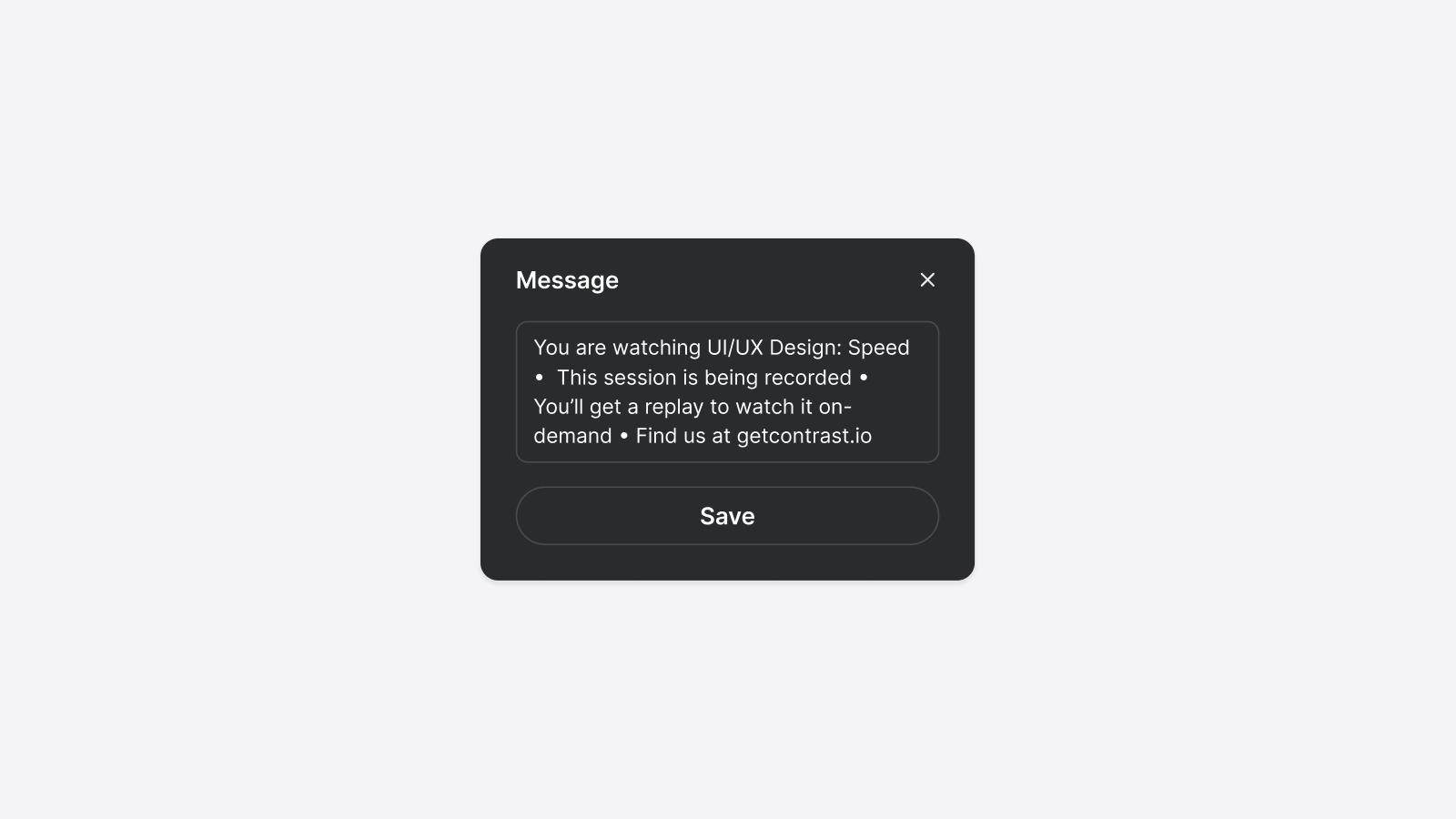
You can now change the text in the ticker widget.
The world is your oyster.
👋 Your friends at Contrast
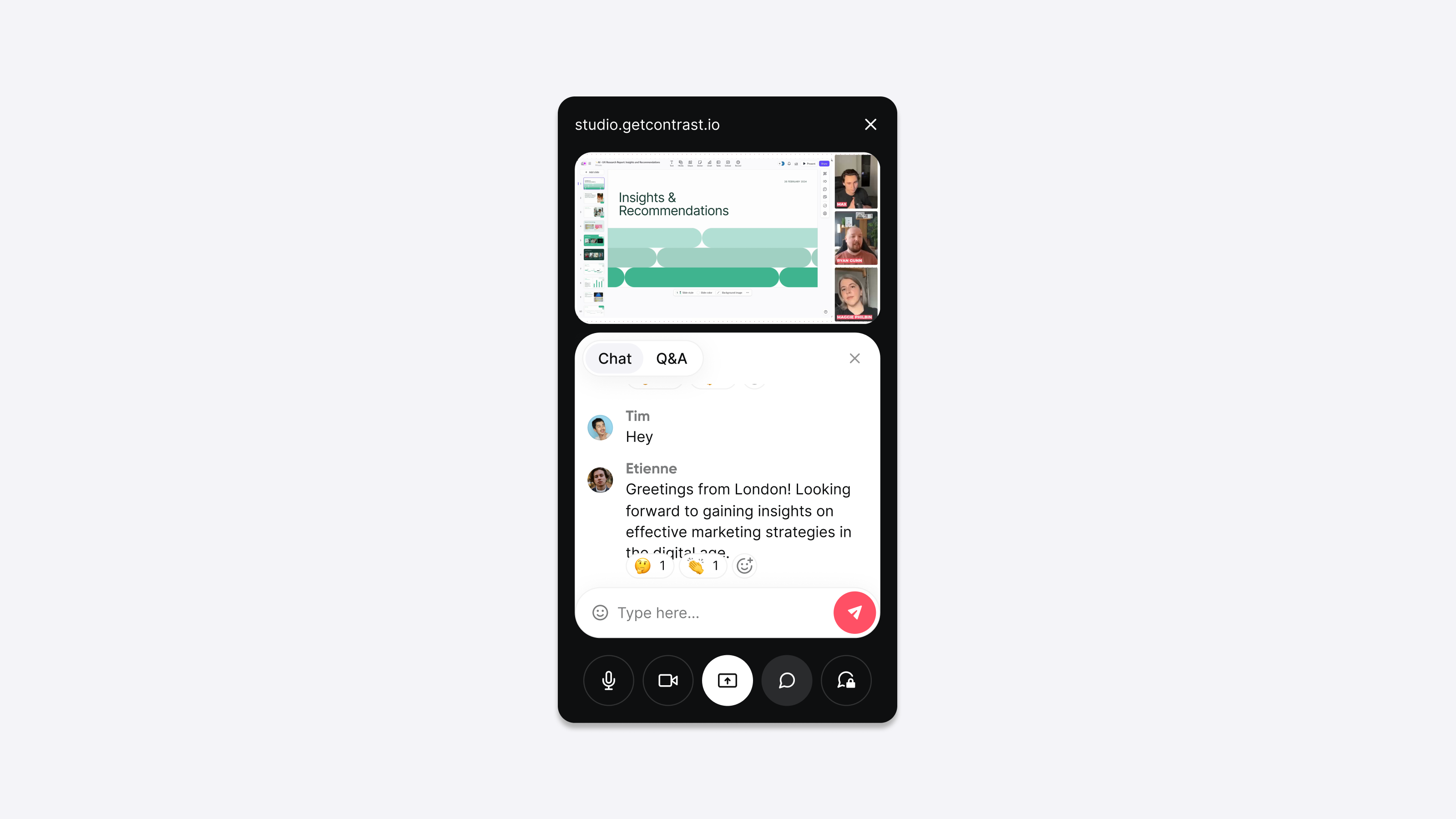
With Picture-in-Picture (PiP) you can exactly follow what's happening during your webinar, while presenting your screen. It’s the perfect companion when you want to present using speaker notes.
👋 Your friends at Contrast
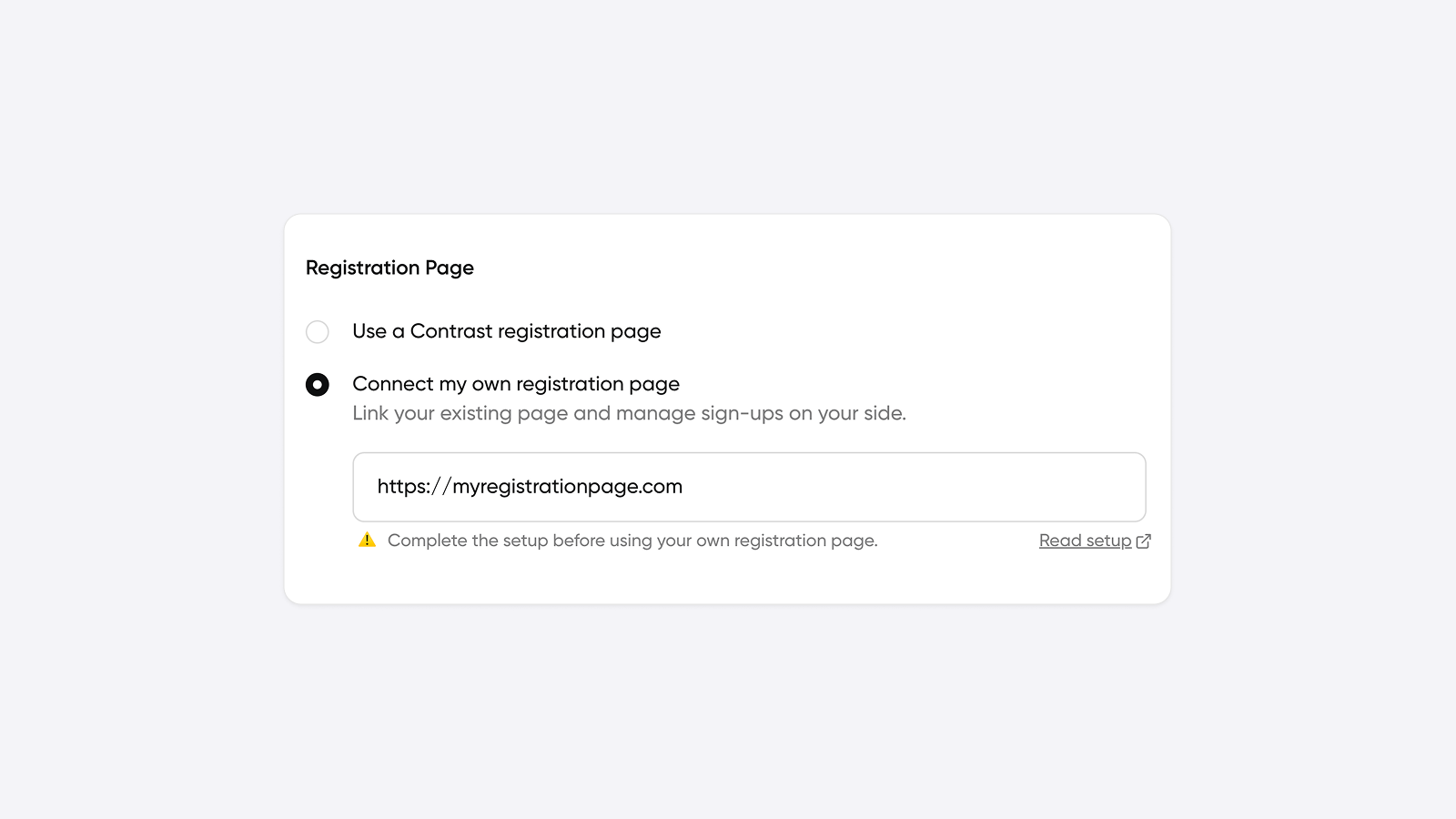
Gate your events, charge for access, and decide exactly who gets in. Your registration flow, your rules, all with Contrast handling the rest.
👋 Your friends at Contrast