Product demos, a customer interview, or your most recent funding announcement. Whatever you captured on video, you can now play it live, during your webinars.
👋 Your friends at Contrast

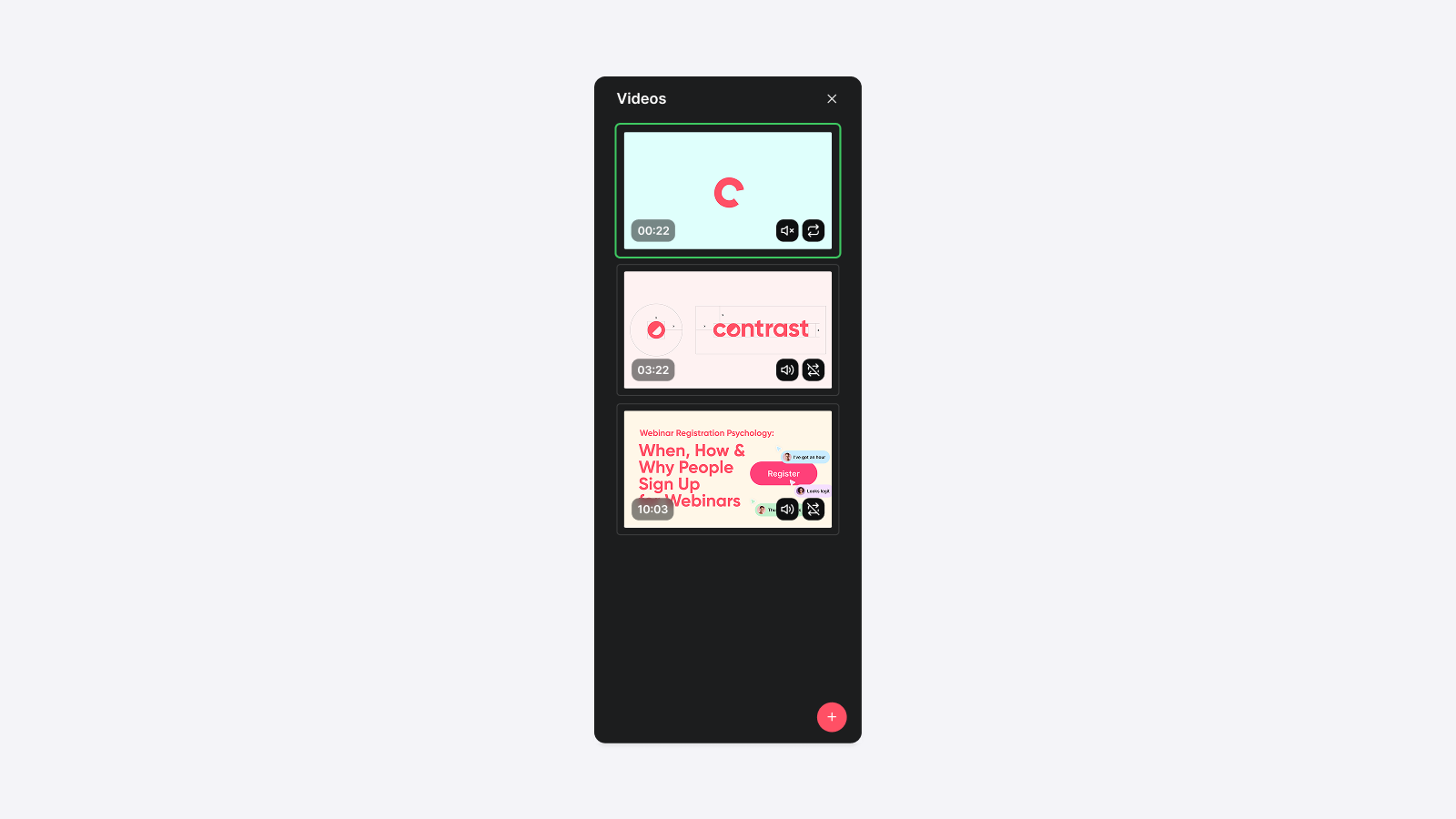
Product demos, a customer interview, or your most recent funding announcement. Whatever you captured on video, you can now play it live, during your webinars.
👋 Your friends at Contrast
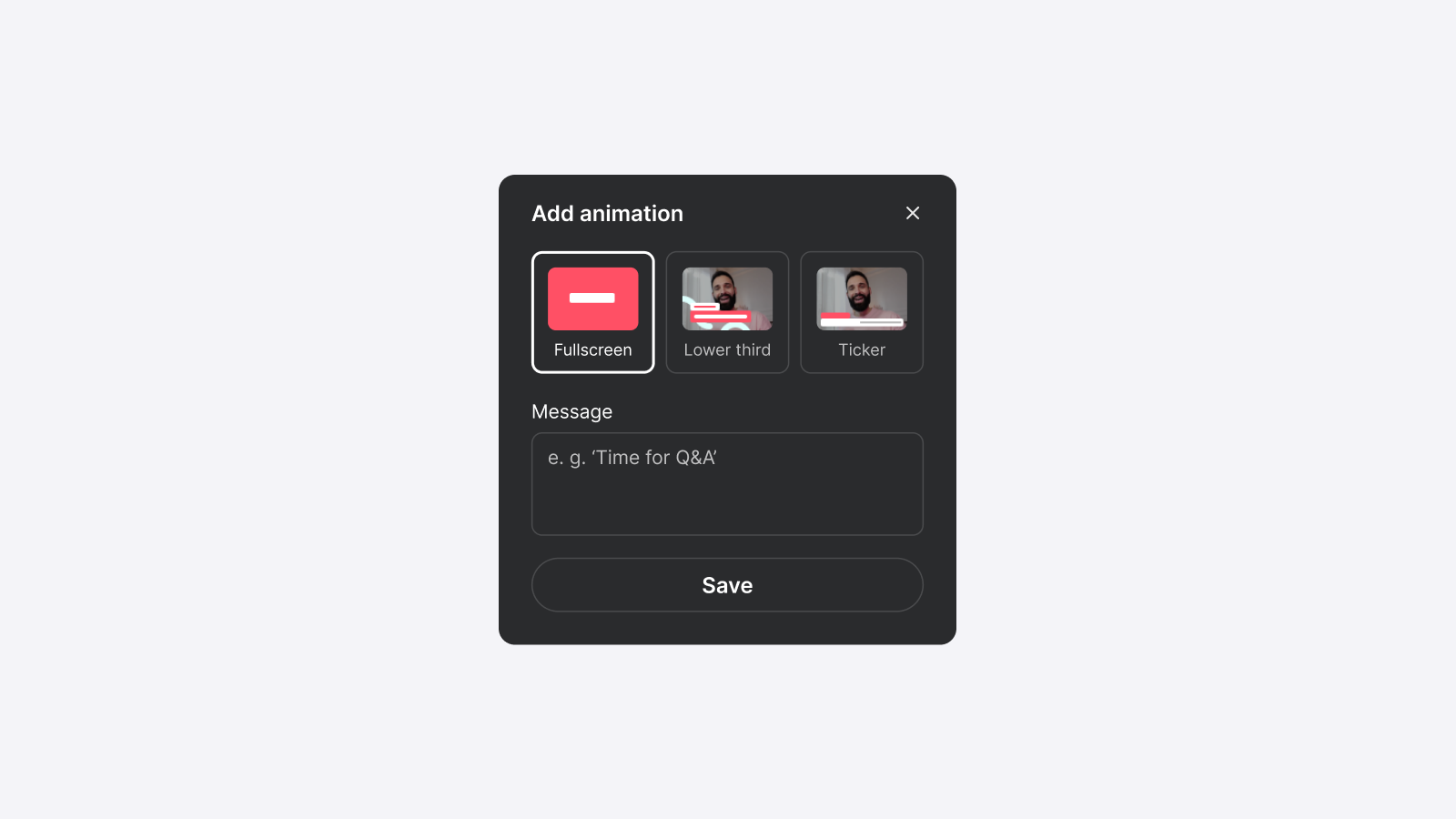
Topics and widgets, easily controlled from a single view.
👋 Your friends at Contrast
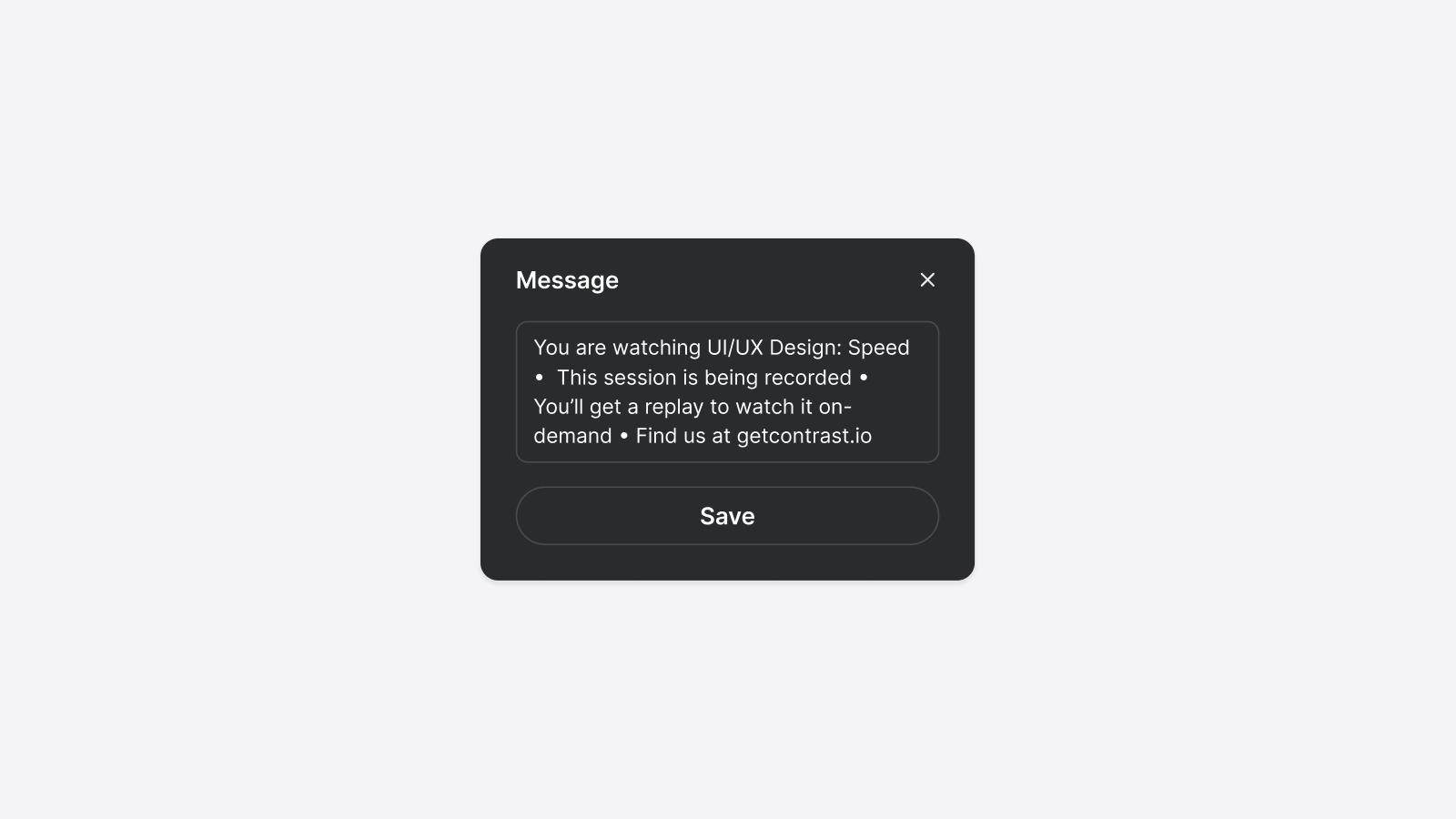
You can now change the text in the ticker widget.
The world is your oyster.
👋 Your friends at Contrast
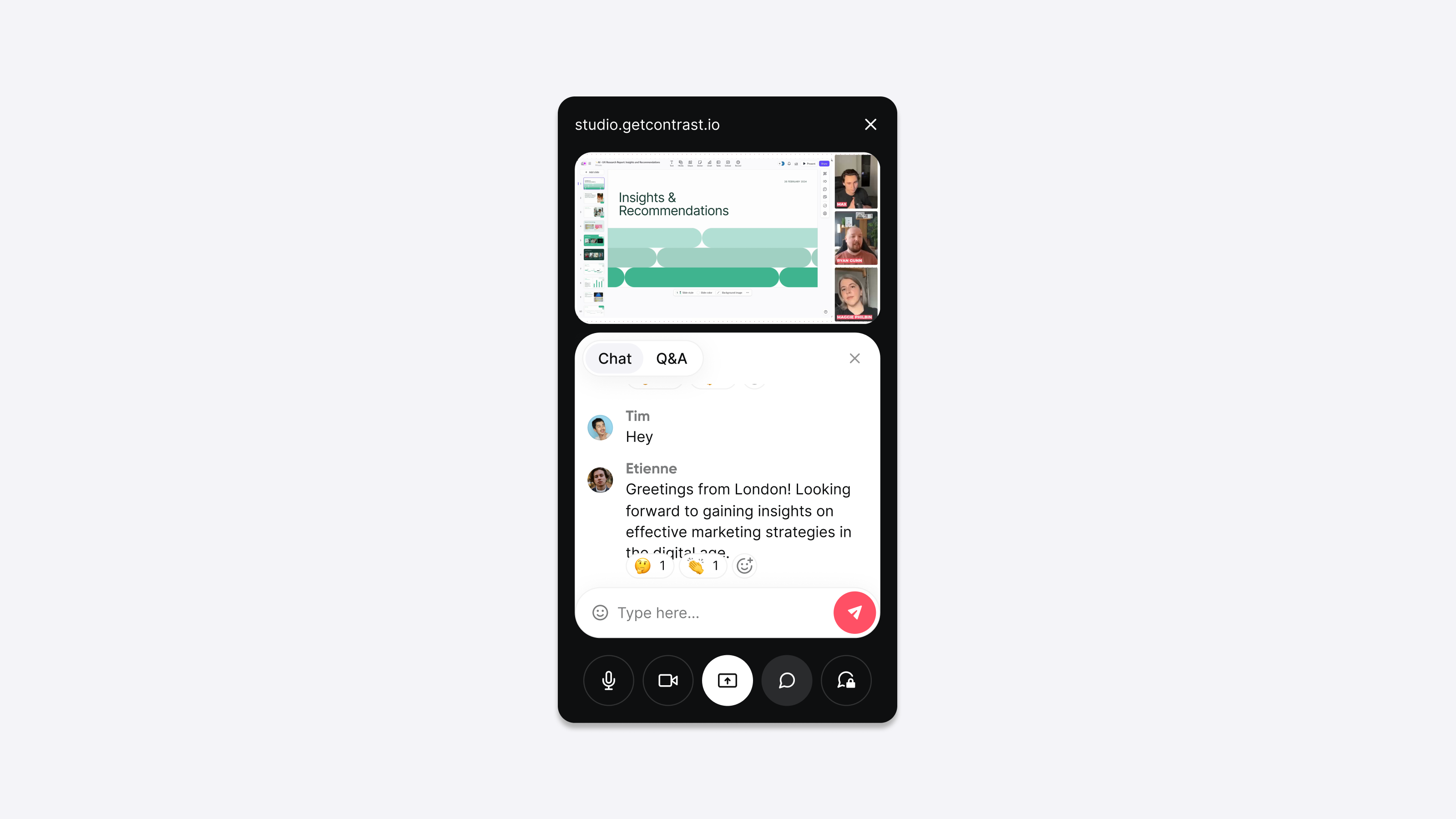
With Picture-in-Picture (PiP) you can exactly follow what's happening during your webinar, while presenting your screen. It’s the perfect companion when you want to present using speaker notes.
👋 Your friends at Contrast
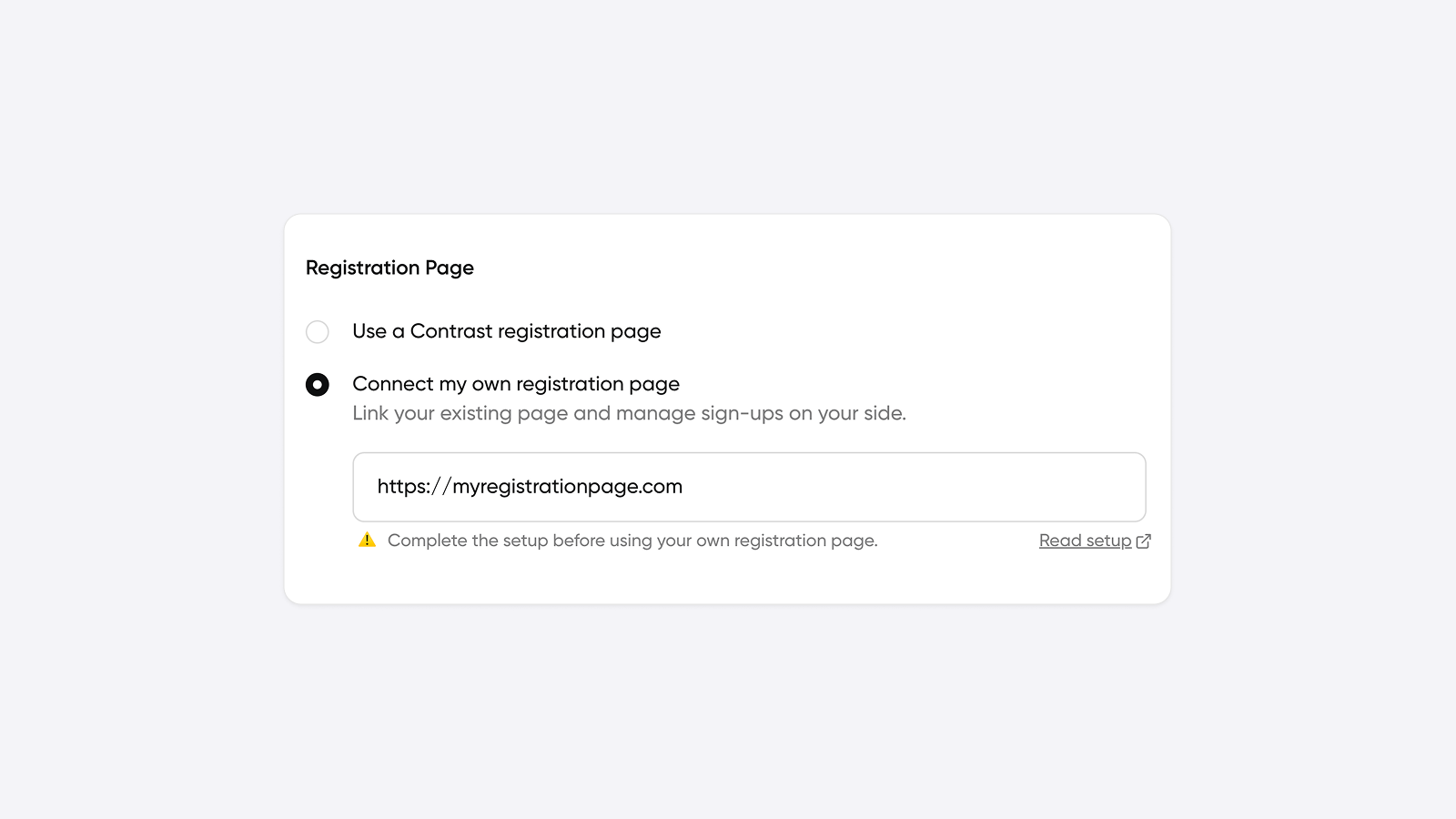
Gate your events, charge for access, and decide exactly who gets in. Your registration flow, your rules, all with Contrast handling the rest.
👋 Your friends at Contrast
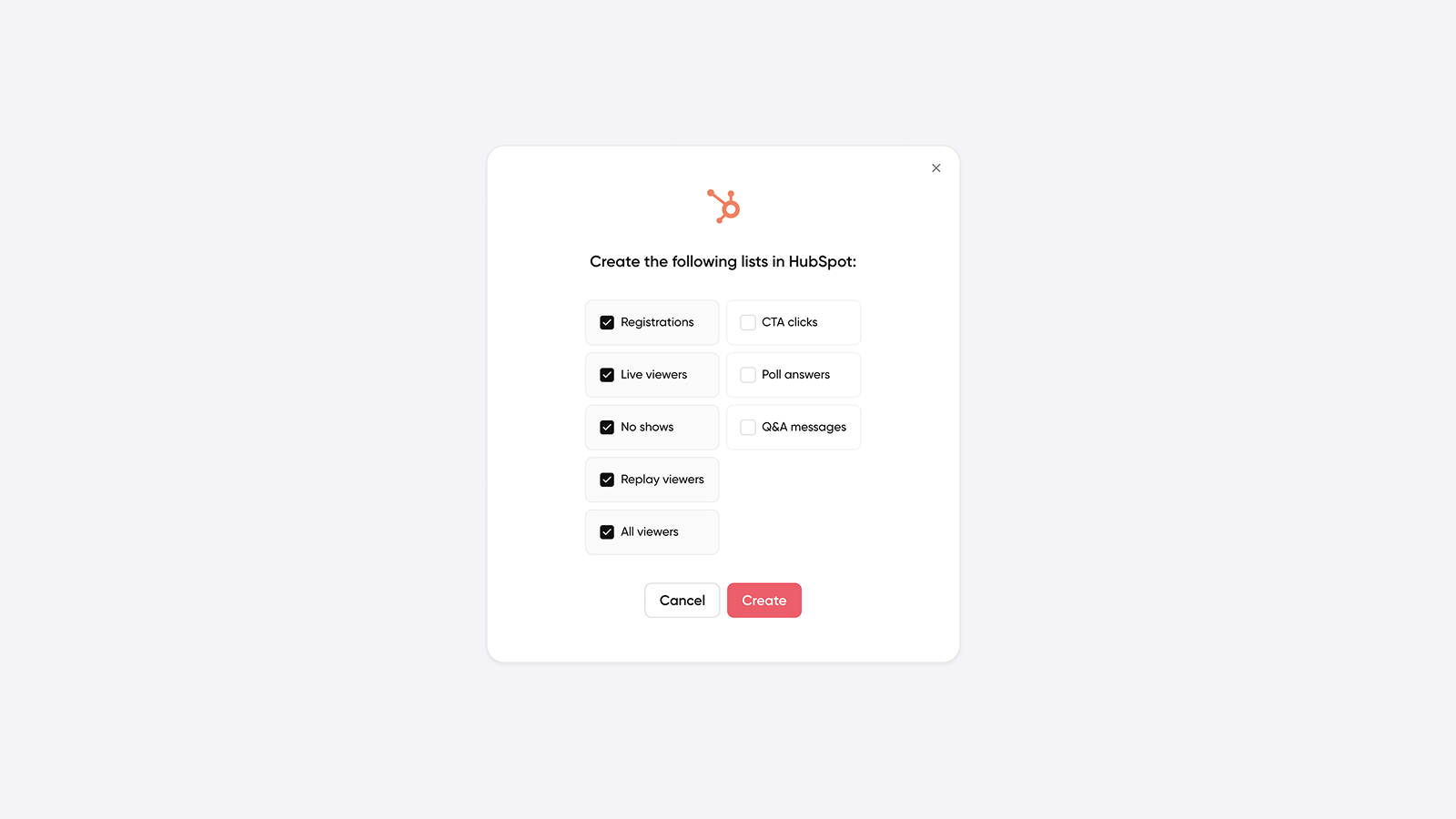
You can now use 1-Click lists to create a segment/list on HubSpot for no shows. It will include all people who registered but did not attend your webinar live.
Learn more about 1-Click lists
👋 Your friends at Contrast
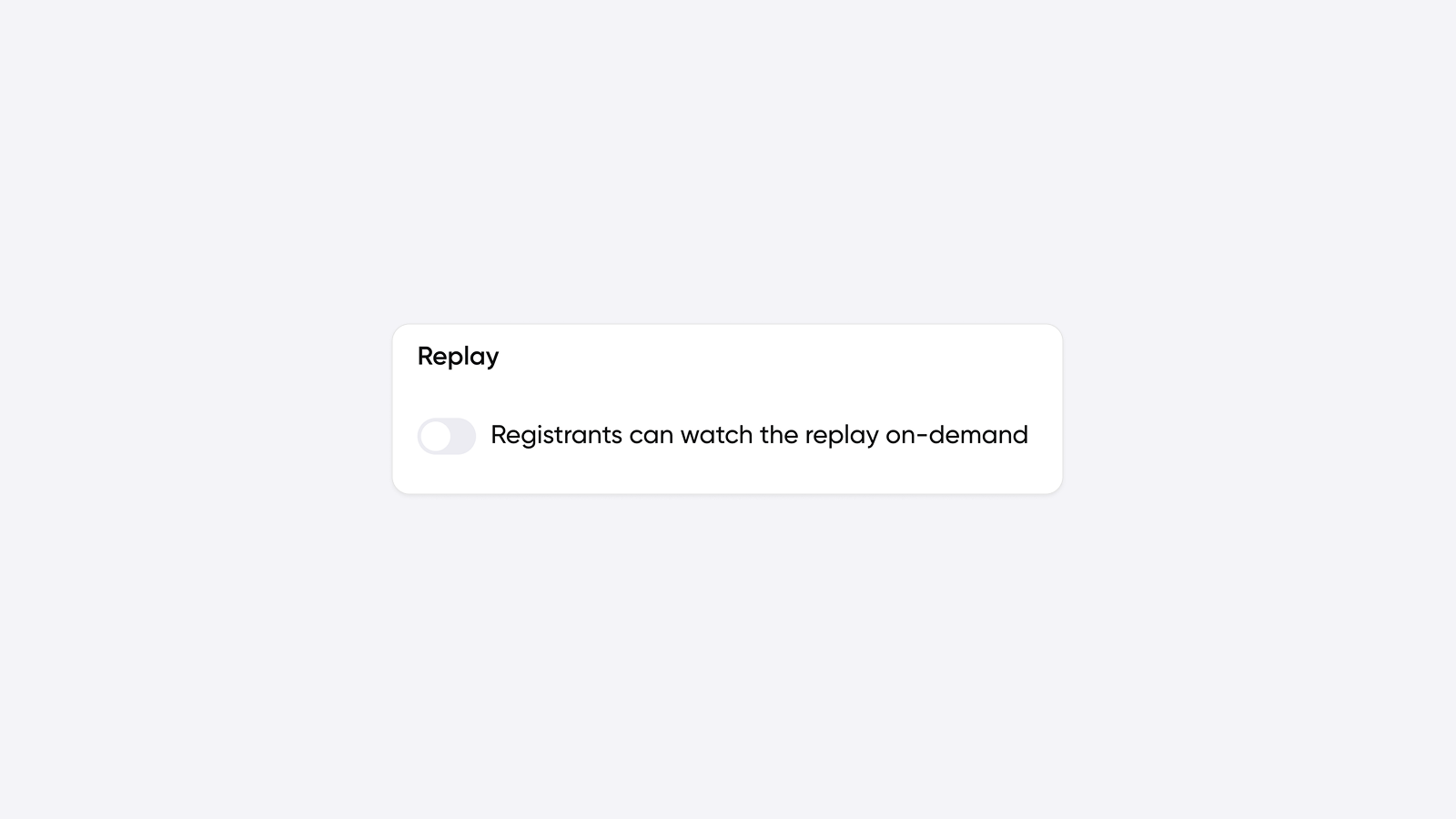
Turn off the replay so your event is no longer available on-demand
Learn more about turning off the replay
👋 Your friends at Contrast
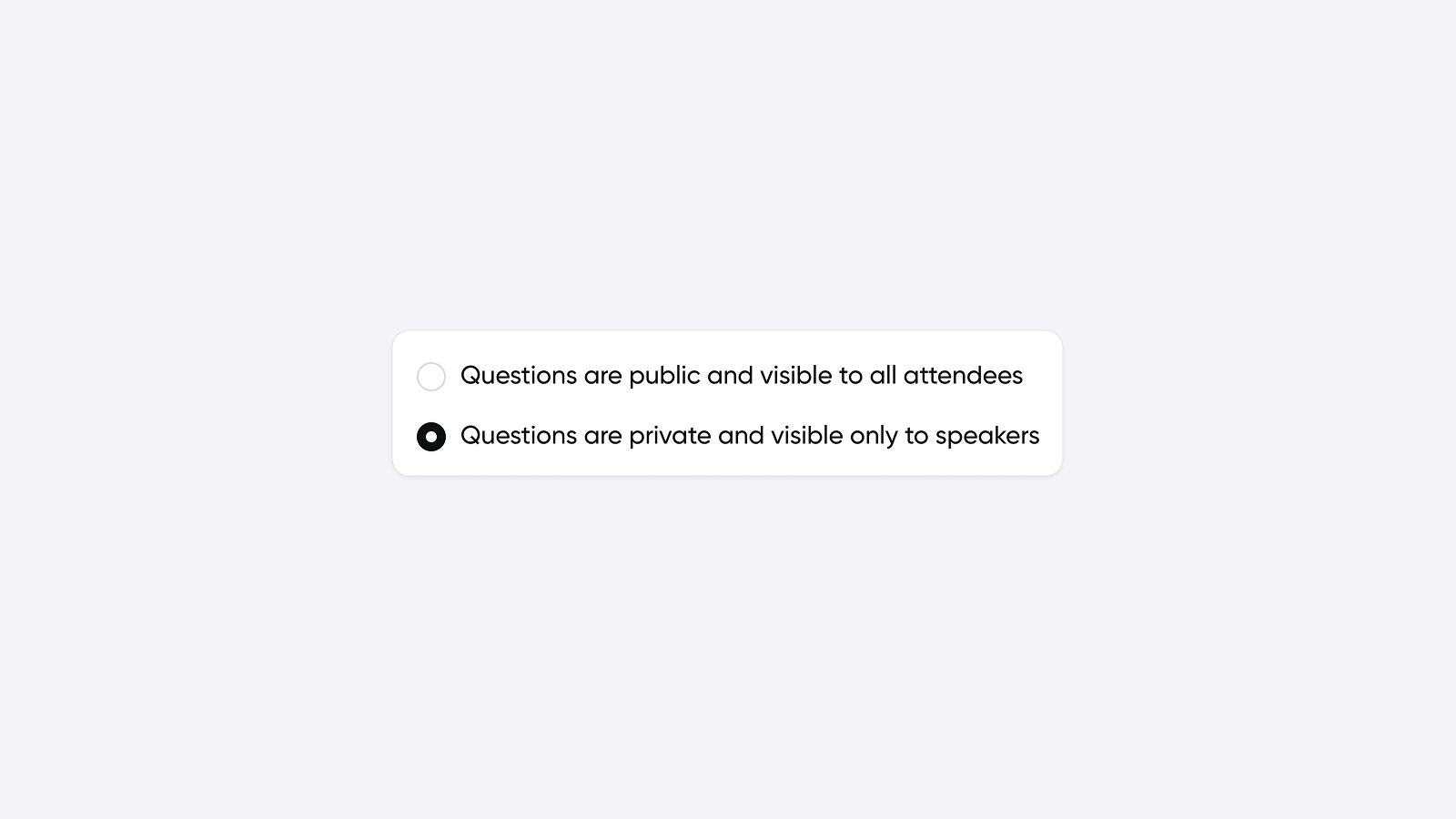
By enabling private Q&A, attendee's questions are hidden to others. Perfect for more sensitive topics.
👋 Your friends at Contrast
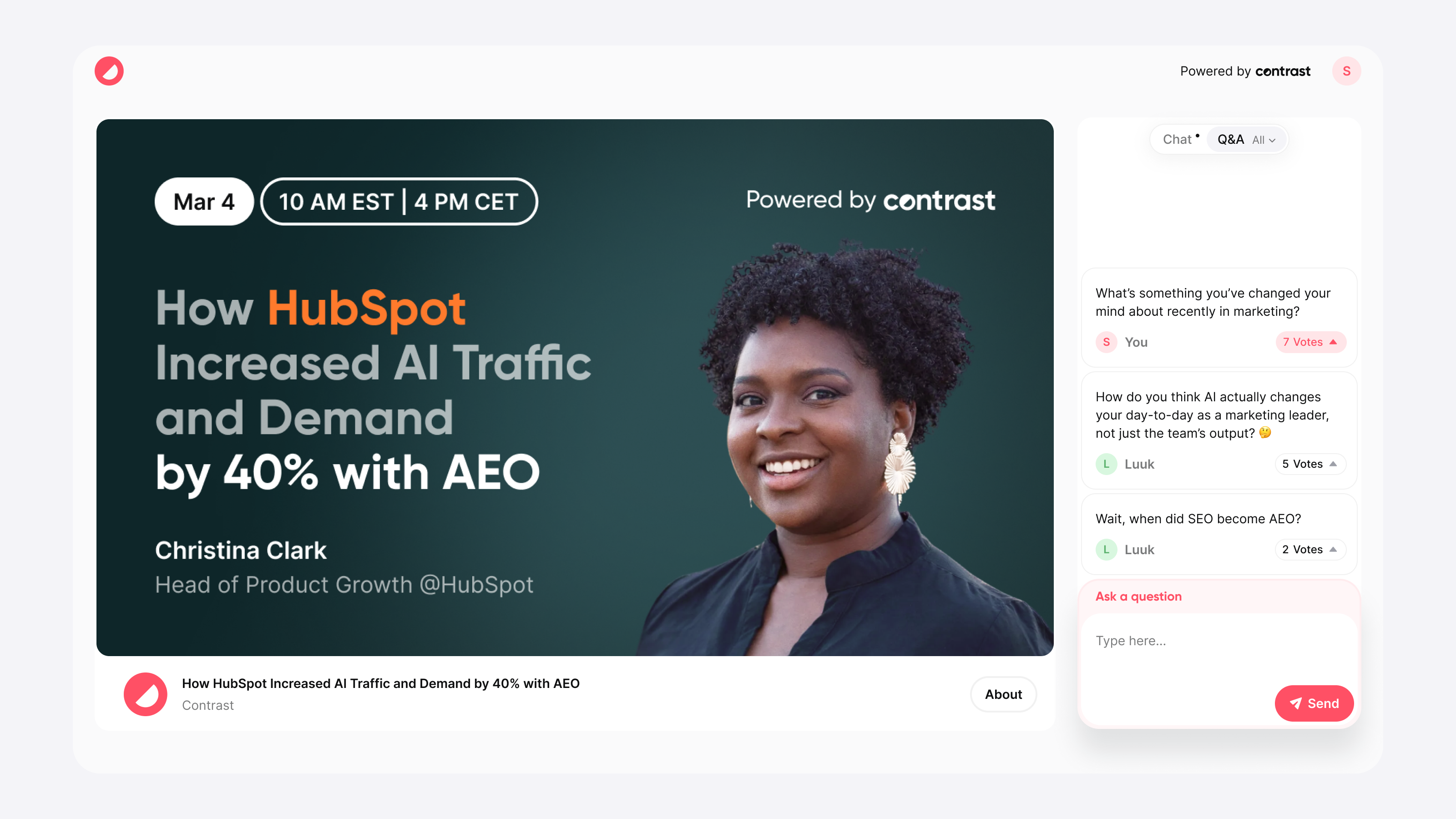
More questions, easier to manage:
- Questions tab opens up before the webinar
- See new questions come in before the webinar starts
- Adapt your content to questions and increase watch time
Of course, synced in realtime with HubSpot